Workouts and routines
What this covers: the four words this app uses for training structure, and how to build each one. Read the table first — it prevents most confusion.
| Thing | What it is | Example |
|---|---|---|
| Workout | One session's template: exercises and target sets | "Upper A" |
| Routine | An ordered collection of workouts for a goal or a phase | "Push / Pull / Legs" |
| Active routine | The routine you're currently running — one at a time | |
| Session | A workout you actually performed and logged | Tuesday's Upper A |
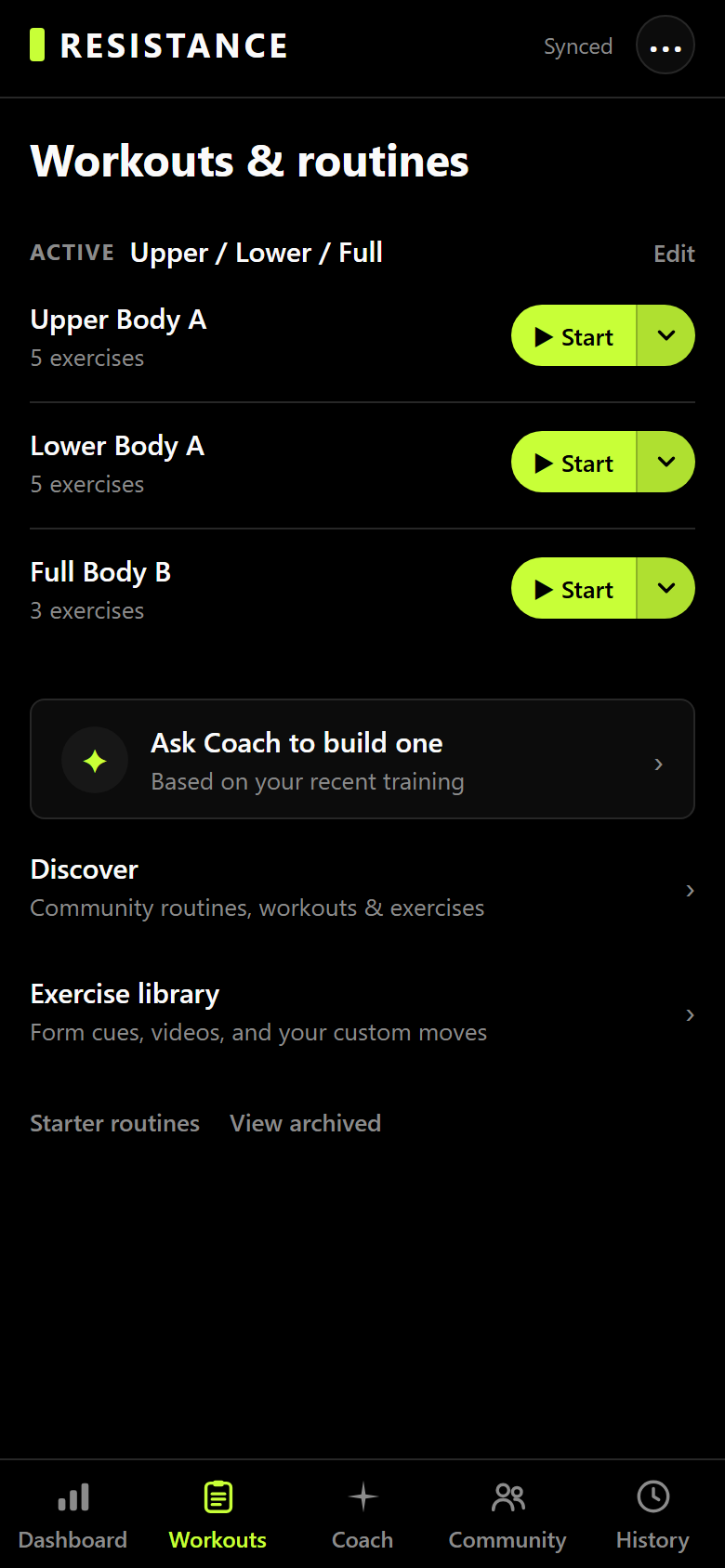
Building a workout
- Workouts → New workout.
- Name it after the day, not the muscle — "Upper A" beats "Chest and back".
- Add exercises from the library, then set target sets, reps, and optionally a target weight, RPE, or percentage of your 1RM.
- Group exercises into supersets and drag them into the order you'll actually do them.
Grouping workouts into a routine
- Workouts → Routines → New routine.
- Add the workouts in the order you run them.
- Activate it. The dashboard's "next up" then walks the routine in order, based on what you've already logged.
Only one routine is active at a time. Switching doesn't delete anything — the old routine stays exactly where it was, with its workouts, and every session you logged under it keeps its history.
Editing without losing history
Sessions are snapshots. Editing or deleting a template never changes a session you already logged, and never changes a record. Add an exercise to "Upper A" today and only the sessions you start from tomorrow will have it.
Free-plan limits
- 6 workout templates you build yourself.
- 5 custom exercises.
- Routines you build yourself are a Pro feature.
- Starter programs and anything you install from the marketplace are exempt. They don't count against either limit, however many you install.
There's also a legacy "folder" field on workouts left over from an older version of the app. Routines replaced it — don't build anything on folders.